npl11 login with the mobile number you already use
One form, two fields. Type the number you registered with, add your password, and the lobby opens on the same device where you left it. Nothing is installed, nothing is posted anywhere else.
The form beside this text signs you in. No number yet? Create an account first and the same fields will work in a minute.
18+ · Play Responsibly
Three routes into the same account
The account is one, but the door has three handles. Which one you use depends on whether you are on a laptop during load shedding, on your phone in a rickshaw, or in the app you installed last month. All three open the same wallet, the same cricket markets and the same live casino tables.
| Route | What you type | Best for | Watch out for |
|---|---|---|---|
| Mobile number Most used | 11-digit number plus password | Anyone who signed up with a local SIM. Works on every browser, including a borrowed one. | The number must be the one used at registration, not a SIM you switched to later. |
| Username | The username you chose, plus password | Players who picked a username so a number is not typed in front of other people. | Phone keyboards like to capitalise the first letter or add a space. Type it exactly as you saved it. |
| Android app | The same two fields in a lighter layout | Match nights, when a browser tab keeps reloading and eats time between overs. | An old build can fail quietly. The current one is 3.3.16; the download lives on the app page. |
Whichever route you take, it is the same password behind it. Change it in one place and it changes everywhere, including the app on your phone.
When the form refuses your password
Most sign-in failures are small and local: a stray space, a stale page, a SIM the phone stopped reading. Work down the table in order. The fixes on top cost nothing, and the ones further down usually confirm whether the problem sits on your side or ours.
| What you see | Likely cause | What to do |
|---|---|---|
| Password rejected on the first try | A space copied along with the password, or Caps Lock left on from an earlier form | Retype it by hand with the eye icon open so you can read each character, then submit. |
| The SMS code never lands | Network delay, a full inbox, or the message filtered as spam | Wait two minutes, check the blocked-sender list, restart the phone. Ask for one code at a time; repeated requests slow delivery. |
| Log In spins and drops you back on the form | The browser served an old copy of the page from cache | Hard refresh, or open the same address in a private tab. In the app, clear the cache and try again. |
| Signed out in the middle of an over | The session timed out after a long pause, or a second device signed in | Keep one device signed in at a time and tick Remember me on the phone you actually use. |
| Number not recognised | The country code was typed in, or the account sits under an older SIM | Enter 01XXXXXXXXX with no +88. Still refused? Try the number that made your first deposit. |
| The form stops responding after several tries | Too many wrong passwords inside a short window | Stop retrying. Every new attempt pushes the wait back, so give it time or open Live Chat with your number ready. |
If two fixes in a row do not work, stop guessing. 24/7 Live Chat can see what the form sees, and that is faster than a tenth attempt.
Signing in from a browser, step by step
-
Open the site and stay on the page
Go to npl11.cam and tap Login in the green menu bar. On a shared computer, open a private window first so the next person cannot pick up the session you leave behind.
-
Type the number from registration
Enter the 11-digit mobile number you signed up with, starting with 01 and without the country code. bKash and Nagad sit on the same number, so the one tied to your deposits is the one that works.
-
Add the password and read it back
Type the password rather than pasting it from a note that may carry hidden spaces. Tap the eye icon to see what you typed, fix anything odd, then tap it again before you submit.
-
Tick Remember me and tap Log In
On your own phone, tick Remember me so a refresh between overs does not cost you the session. On a device you share, leave the box empty and sign out when you finish playing.
Keeping your npl11 login to yourself
A password is only as strong as the person holding it. These five habits cover almost every case where an account gets opened by someone who should not have it.
-
A password that lives only here
Do not reuse the password from your mail or from bKash. When one leaked list reaches the wrong hands, the accounts behind that same password are tried first.
-
Nobody on our side asks for the code
Live Chat staff never ask for your password or for the SMS code that lands on your phone. Anyone who does is not us, however friendly or urgent the message sounds.
-
Shop computers and borrowed phones
At a cyber cafe, sign out at the end rather than closing the tab. A closed tab keeps the session running in the background until it times out on its own.
-
Look at the address before you type
This form posts to npl11.cam and nowhere else. A login screen on another address, especially one opened from a link in a message, is not worth your password.
-
Keep the app on the current build
Version 3.3.16 is 36 MB and runs on Android 7.0 and newer. Old builds sometimes fail to refresh the session, which looks exactly like a wrong password when it is not.
Forgot the password? Use the number
The reset runs on the same mobile number, so keep that SIM in the phone while you work through it. Three steps, and the old password stops working the moment the new one is saved.
-
Tap Forgot password under the form
The link sits below the password field and opens the reset screen. Enter the mobile number on the account there, not an email address.
-
Read the code from the SMS
The message usually lands within a couple of minutes. On a dual-SIM phone, check the inbox of the SIM that holds your registered number, not the other one.
-
Set a new password and go back in
Pick something you have not used on another site, save it, and log in straight away. If the SMS has not arrived by then, Live Chat is the next stop.
Already installed the app? Sign in there
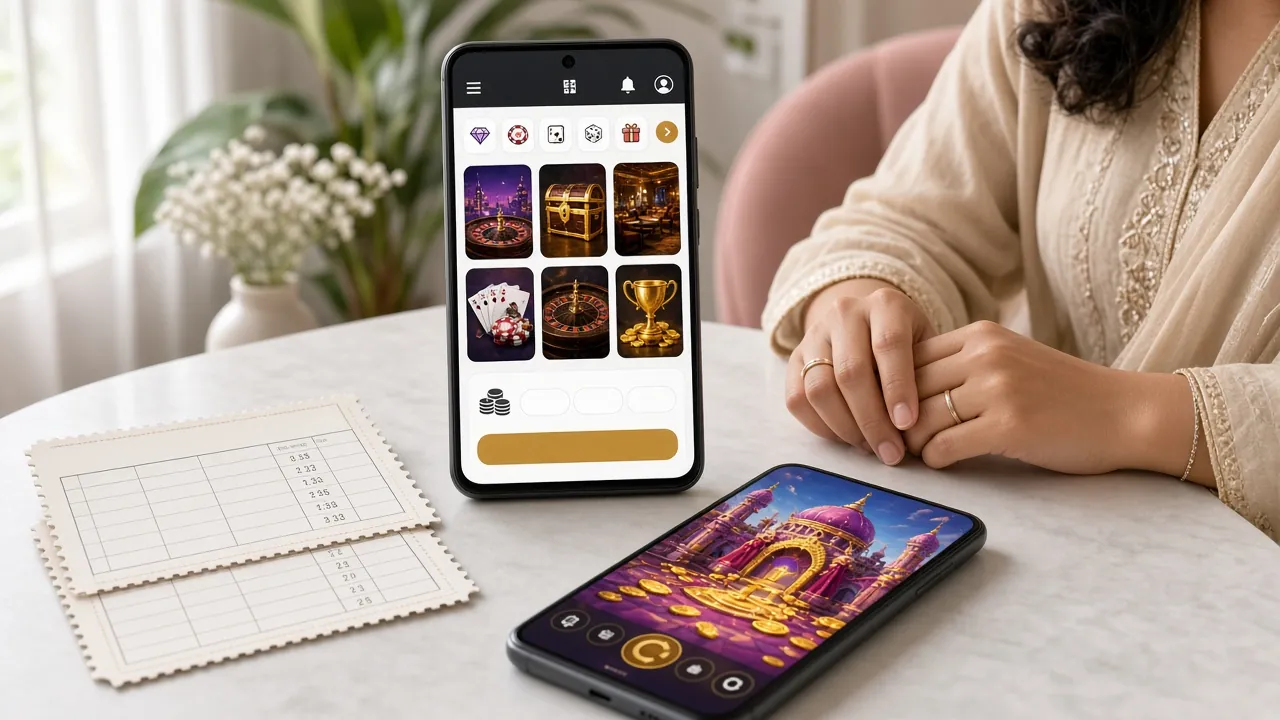
The app takes the same number and password as the website. Because the session stays on your phone, a match night no longer starts with typing on a small keyboard while the toss is happening.
- Version 3.3.16
- 36 MB
- Android 7.0 and up
- Free
If the app opens the lobby but the browser keeps returning to the form, the password is fine and the browser is the problem. Clear its cache before you touch anything else.
Get the APKQuestions players ask before they tap Log In
All FAQs1Why does npl11 login reject a password I know is right?
Nine times out of ten a space or a capital has slipped in. Type it by hand, tap the eye icon to read it, and check the keyboard language before you submit. If it still fails, use Forgot password instead of a fourth attempt, because repeated failures push the waiting time back each round.
2Can I stay signed in on two phones at once?
One active session is the safer default. Signing in on a second phone can end the first, which is why a match sometimes stops in the middle of an over. Keep the session on the device you actually play from, and sign out on the other one before you switch over.
3The SMS code never arrives. What now?
Give it two minutes before asking again, then check the phone's blocked-sender list and restart it if the inbox looks stale. Asking for a second and third code in a row does not speed anything up. On a brand new SIM, delivery can lag on the first few messages of the day.
4Is it safe to sign in on a phone I share with family?
It can be, if you leave Remember me empty and sign out when you finish. The risky habit is closing the browser without logging out, because the session keeps running in the background. A screen lock on the phone protects you better than any setting on this page does.
5How do I sign in after installing the npl11 app?
Open the app and use the same two fields as the website: the 11-digit mobile number and the password. Nothing needs to be set up a second time, and any balance already in the wallet shows up as soon as the lobby loads. If the build is older than 3.3.16, update it before blaming the password.
6I no longer have the number on the account. Can I still get in?
Not through the form, because the reset code goes to that number. Open 24/7 Live Chat from any page, explain the change, and have your ID documents ready: national ID card, passport or driving licence. The team checks the account before anything is moved, and a first review usually takes about two hours.
Back in the lobby before the next over
Your npl11 login is one number and one password. Keep both private, keep the app current, and the trip from home screen to cricket markets stays short enough to fit inside an ad break.
Log In NowNew here? Create an account in the same form.